
Citizens Can Now Sign Employment Contracts on “MyGov” Platform
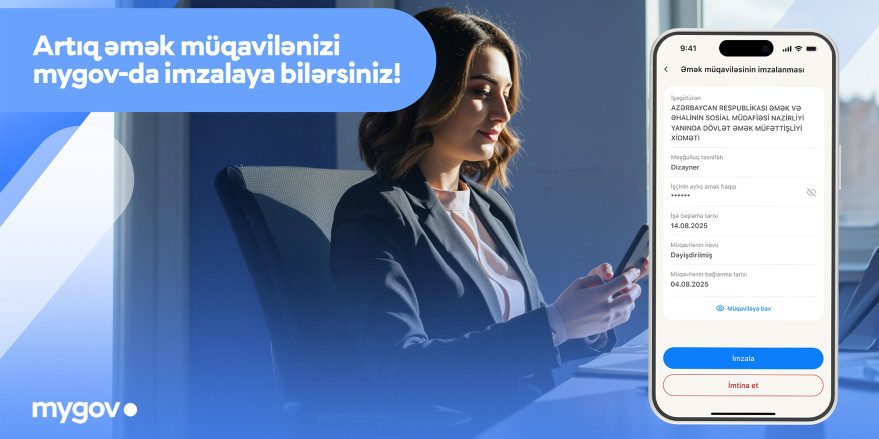
A new service has been launched on the “MyGov” platform to simplify citizens’ employment-related processes. The “Signing of Employment Contract” service is now accessible on the platform. This integration was implemented through the joint collaboration of the Innovation and Digital Development Agency and the Ministry of Labor and Social Protection of Population.
Through this service, employment contracts sent by employers can be signed directly on the “MyGov” platform by citizens, whether during new hiring or when changes are made to existing contracts.
How to Use the Service:
1. Access the “Signing of Employment Contract” service under the “Employment” category on the portal.
2. If there is a contract to be signed, it will appear on the list; otherwise, a notification will indicate its absence.
3. Select the contract and review the provided information.
4. Click the “Sign” button to confirm the contract using the SiMA Signature.
In addition, if a citizen has a new employment contract, they will receive a notification via the “MyGov” platform, allowing them to access and sign the contract directly from the notification.
This new service will enable employees to complete the contract signing process more quickly and conveniently.
It should be noted that the primary purpose of the “MyGov” platform is to provide citizens with essential government services through a single platform, enabling mutual cooperation with state institutions.